A checkout-context worksheet, without placing an order
We joined the official coupon statement to the separate redemption guide to make a small decision worksheet. Its inputs are the product being purchased, the billing cycle, whether this is an initial payment, and whether an automatic discount is already present. Its output is a limited evidence classification. It does not submit a code, predict a final price, or assert that an account qualifies.
Test the offer scope before looking for an input box
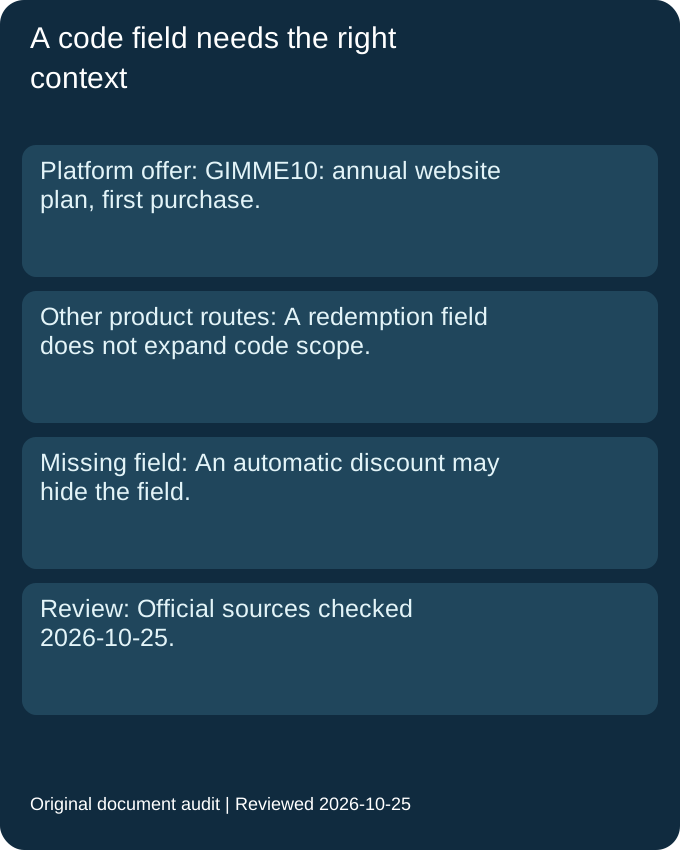
The coupon statement names an annual website plan and a first purchase. The help guide also describes code-entry routes for domains and Email Campaigns. Our worksheet keeps those facts in separate columns. The existence of a domain redemption route is evidence about where a domain offer would be entered; it is not evidence that this website-plan code discounts a domain. A product-specific route cannot widen the scope of a different offer.
For a hypothetical first annual website-plan purchase, the worksheet marks the public scope as a match needing checkout confirmation. For a hypothetical domain purchase using the same string, it marks scope not established. Neither case is labelled successfully redeemed. This distinction lets a reader use a general help article without treating every product mentioned there as eligible for the particular promotion shown above.
Compare savings instead of adding percentages
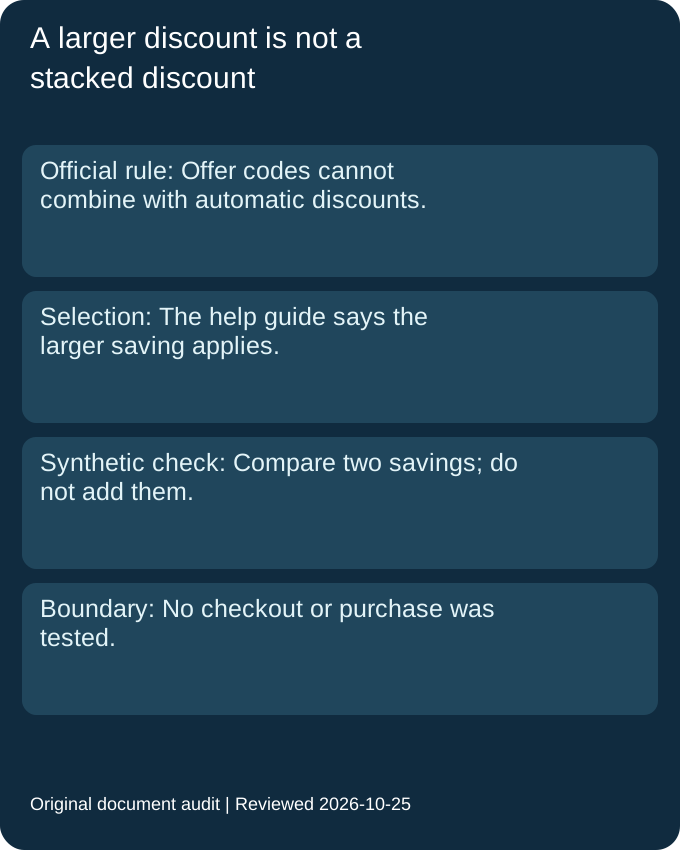
The redemption guide says that an offer code and an automatic discount cannot be combined and that the larger saving is applied. Our synthetic example uses a fictional eligible base of one hundred units and a fictional automatic saving of fifteen units. Applying the advertised ten-percent rate to that fictional base gives ten units. Comparing fifteen with ten selects fifteen; it does not produce a combined saving of twenty-five.
The formula is selected saving equals the maximum of automatic saving and code saving, where code saving equals eligible base multiplied by the applicable rate. Those invented amounts are test inputs, not subscription prices, quotes or observed bills. We deliberately omit tax, add-ons and a final payable amount because this document check does not establish their treatment. The test demonstrates the selection rule only after its hypothetical eligibility assumptions have been stated.
Separate a missing field from an expired offer
The guide says that another automatically applied discount may cause the promo-code field not to appear. Our worksheet therefore treats a missing field as an unresolved checkout context rather than proof that a published code has expired. That does not guarantee the code would work if a field became visible. It tells the reader which additional fact is needed before drawing a conclusion.
The worksheet also keeps renewal apart from an eligible change during the first billing period. The guide rejects renewal payments but describes an exception for changing a plan or billing cycle in that first period. We record the operation being attempted instead of flattening every existing subscription into the same outcome. Finally, no fixed expiry is published in the reviewed coupon statement. Our review date is an observation timestamp, not a manufactured closing date or a promise that the offer will remain available.
Can the general domain instructions make GIMME10 a domain coupon?
The public GIMME10 statement covers an annual website plan. A separate domain code-entry route does not establish that this particular code covers domains.
Official source · Reviewed 2026-10-25
Does a missing promo-code box prove the code expired?
No such conclusion follows from that observation alone. The official guide says an automatically applied discount may cause the field not to appear.
Official source · Reviewed 2026-10-25
What should an existing subscriber distinguish?
The guide excludes renewal payments but allows applying a promo code to a plan or billing-cycle change during the first billing period, subject to the particular offer conditions.
Official source · Reviewed 2026-10-25